Jim Rossman: Options to keep working with Microsoft Publisher documents
Published in Science & Technology News
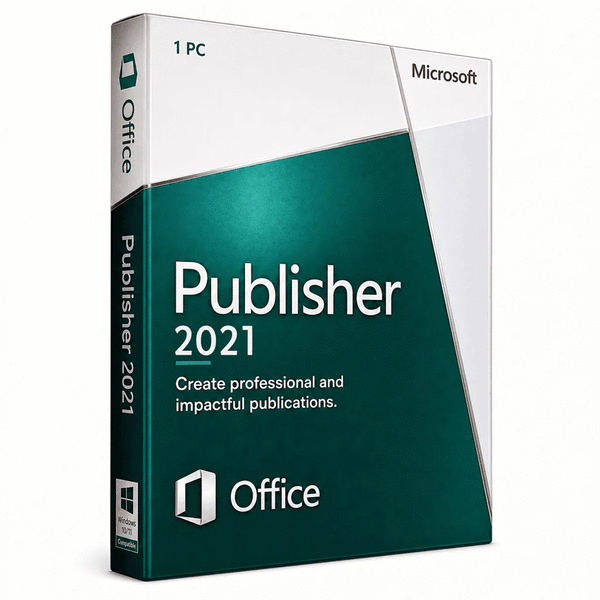
This week a reader writes, “When Microsoft stopped supporting Publisher recently, it also denied access to the documents. In other words, it won’t let me go into my document in Publisher to export the document into another program. I cannot save the files as some other format (pdf). I’m in real trouble here. I cannot recreate a 140-page doc from scratch, for example. Are there any other options for me to save/convert all this copy out of Publisher. I can live with reformatting; I just need all the copy!”
This is an unfortunate situation where Microsoft has decided to end support of a product and access to Publisher documents, depending on how you purchased the software.
If you have a standalone license for Publisher or own it as part of a standalone license for a version of Microsoft Office, you should still be able to launch Publisher and open its documents.
Microsoft Office Professional 2021 was the last version to include Publisher.
If you are a Microsoft 365 subscriber, and you’ve been accessing Publisher through that subscription, your access to Publisher and the ability to open Publisher documents did go away recently.
I’m not a Publisher user, so I’m not sure what kind of notification users had that their access was going away. When Microsoft sunsets an app, like Microsoft Money, they usually just say they are ending support for that app.
The support page announcing the Publisher retirement is here: https://support.microsoft.com/en-us/publisher/microsoft-publisher-will-no-longer-be-supported-after-october-2026
What are your options now?
You can try to purchase a copy of Office Professional 2021 from a third-party seller (Microsoft no longer sells it), or you can opt to try a third-party conversion tool. Be aware there are other versions of Office 2021, but Professional is the version that includes Publisher.
Buying standalone versions of Office from third-party resellers is a risk. Some resellers are offering a stolen or otherwise unauthorized product key.
These keys may work to activate the program, but it may be subject to Microsoft blocking, so even a successful activation may not be a guarantee of continued access.
Try to choose a reseller with a good reputation. Try to find a seller offering Office Professional 2021 in a retail box, and not just a digital download. Try to find a seller that offers refunds, but be prepared for potential disappointment.
Note, if you already have Microsoft 365 installed, you can’t install Office 2021 on the same computer. You’ll need to uninstall the current version to install the previous version. The installers will not play nice together on the same PC.
There are also third-party utilities that say they can open and convert Publisher documents.
The Microsoft store has a listing for Univik PUB Converter, which you can try for free, but it will watermark all the pages. I’d try it and if it can convert your PUB docs to PDF, it would be worth the $39 one-time cost.
____
©2026 Tribune Content Agency, LLC.






Comments